Could lead to a shoe preview
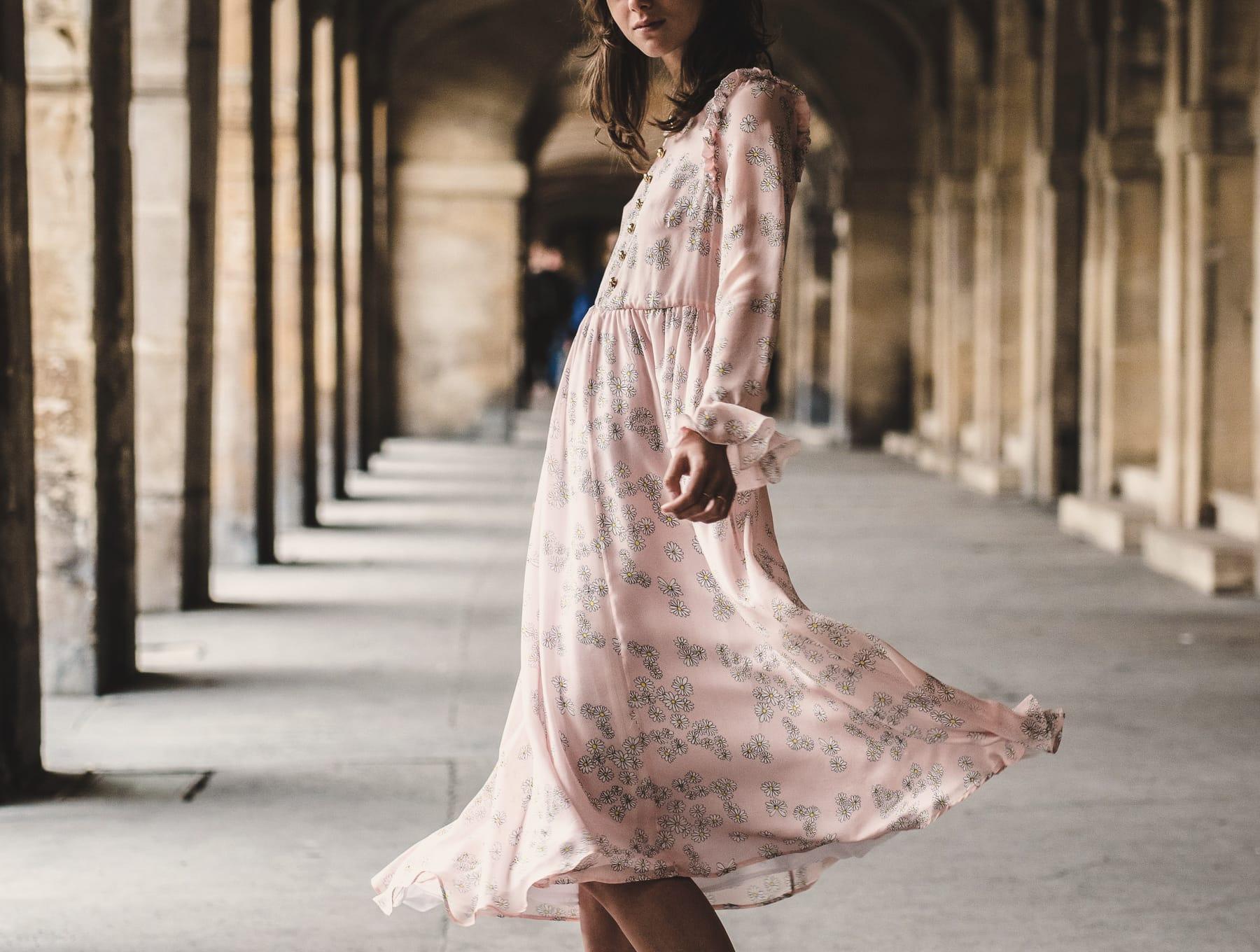
A garden wedding, on the lawn
Formal, outdoors, and the host recommends flats or wedges. Heels that sink into grass get flagged with the reason.
Editorial photo · Flaunter / Unsplash (CC0)
Outfit check for a specific occasion
Add the invitation and a photo of your outfit. See what matches the dress code — and preview a change if you need one.
No account. Your check is private, locks after 24 hours and is deleted within the next day. If nothing needs changing, that’s the answer.
The invitation
Rooftop supper · Friday, 7 pm
Smart casual. No trainers, please.
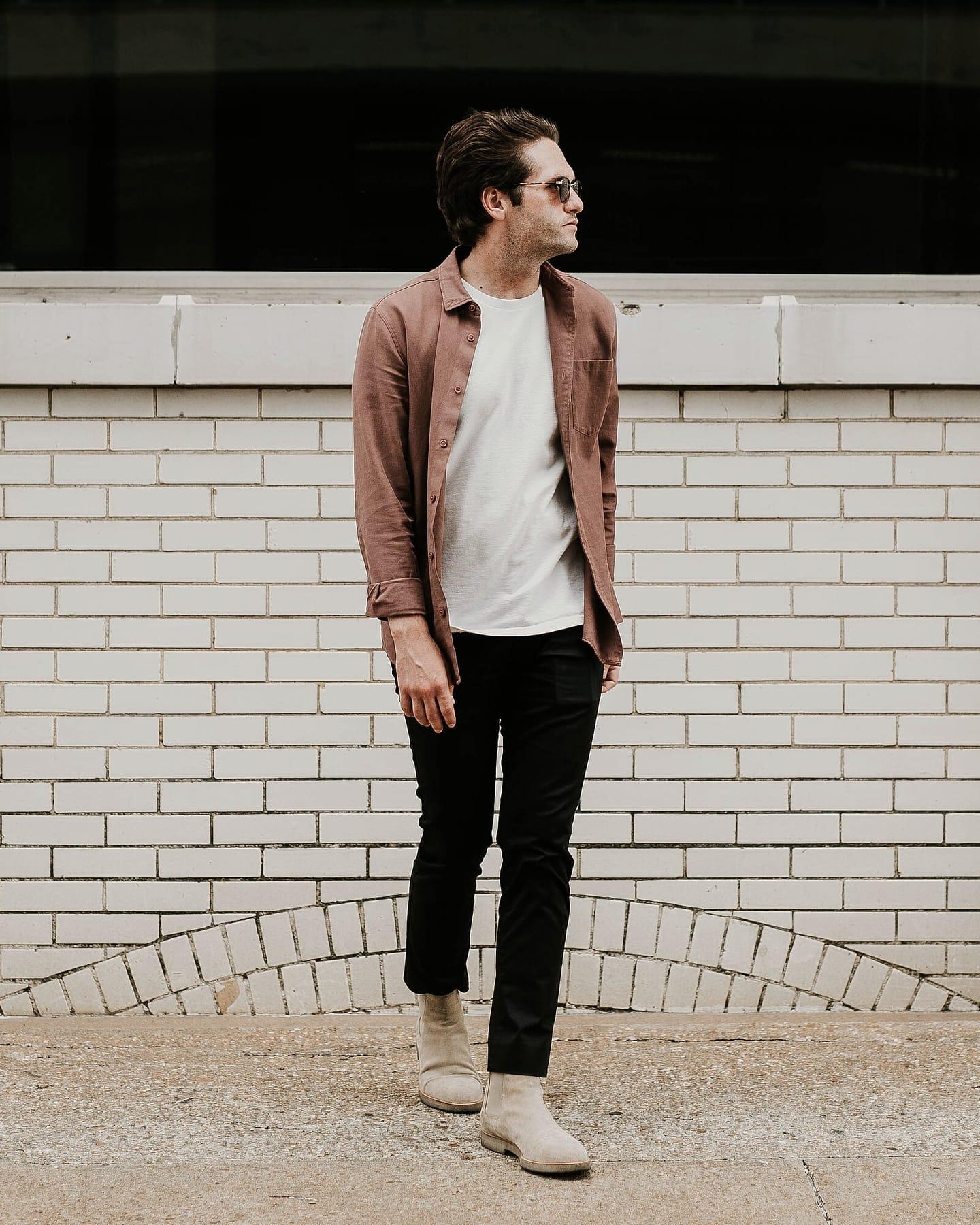
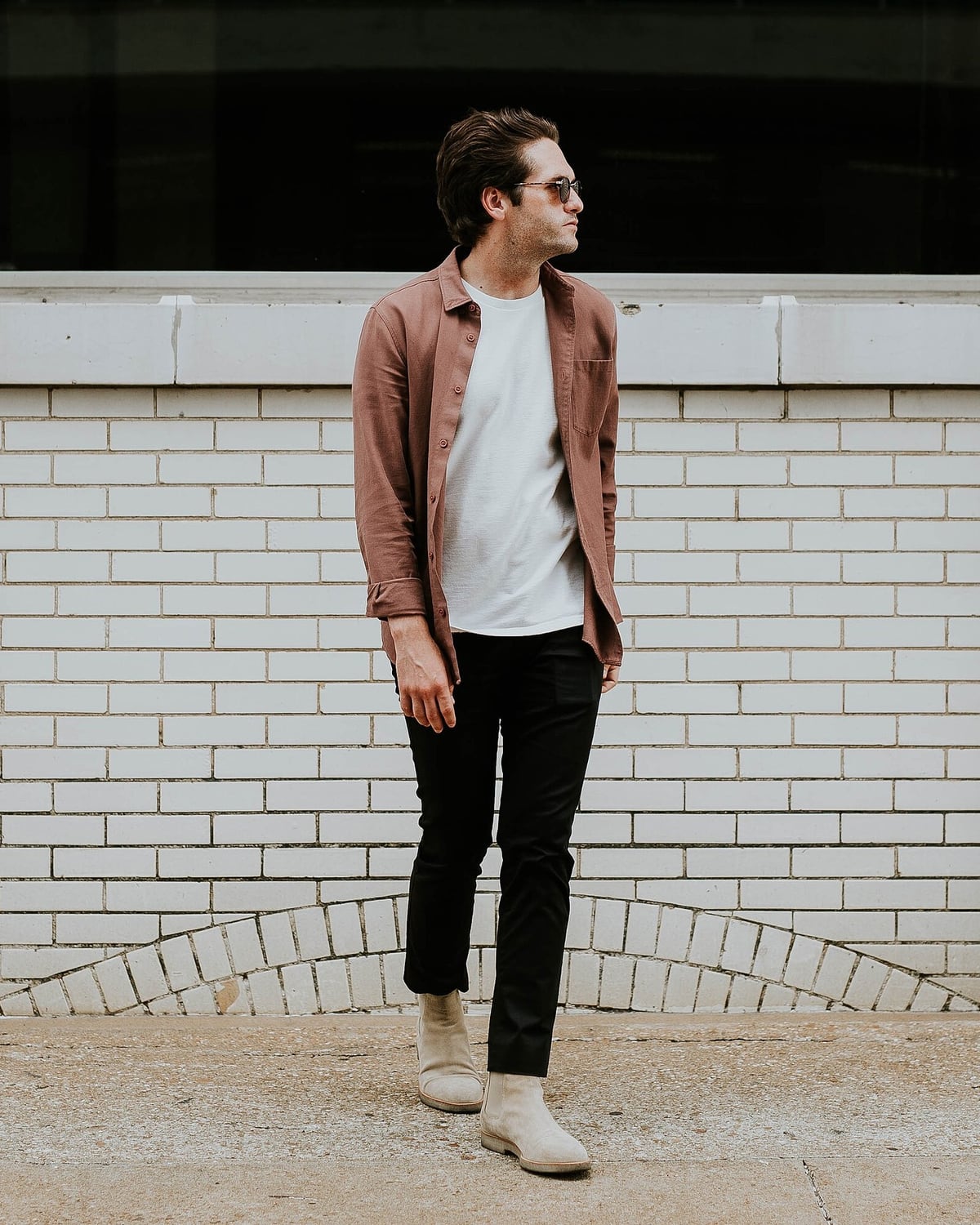
Shoes match
Suede ankle boots, not trainers — this fits “No trainers, please.”
Result: keep your outfit.
If something didn’t match, you could preview one alternative on this photo.
The problem
You already have something in mind for the day. The real question is whether it works for this event — and if not, what the smallest fix would be. Shopping apps start by selling you something new. WearCheck starts with what you own.
01
WearCheck reads the invitation, quotes its exact words and marks anything it infers. Nothing is judged until you've confirmed the list.
02
Each finding points to the requirement it comes from. If the photo can't show something, you're asked — not guessed at.
03
Keeping your outfit is a full result. When one item conflicts, you can preview a single alternative on your own photo.
How it works
01 / 04: The occasion
Sample invitation
Ana & Joe · Saturday, 3 pm
01
The occasion
Upload the invitation or type the details. WearCheck quotes the exact wording it finds and asks you to confirm each requirement before anything is judged. Anything it infers is marked as a suggestion.
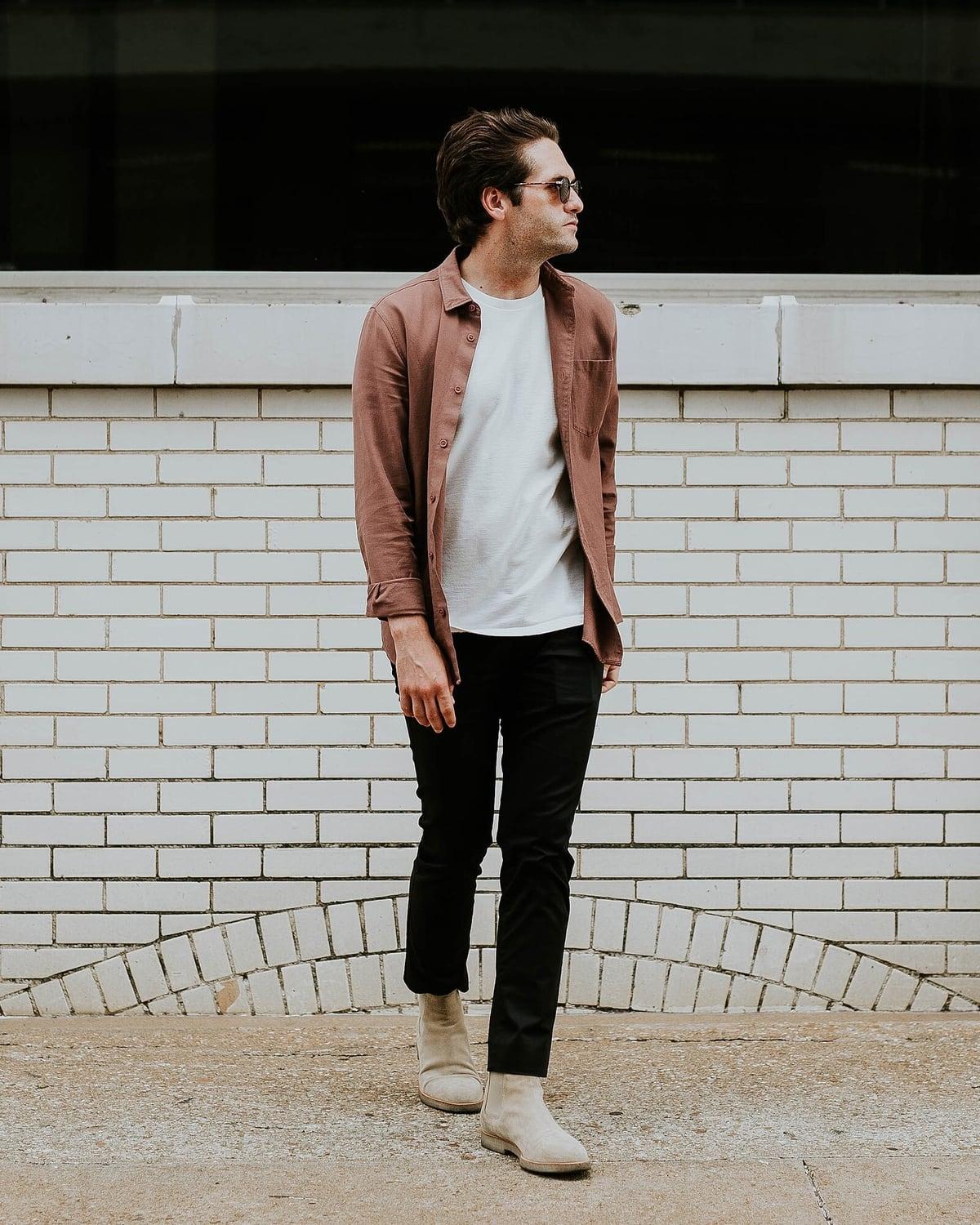
Actual recorded test photo · head to feet
02
Your outfit
One photo of one adult, taken with their consent. WearCheck describes the garments it can see — and says plainly what is out of frame or too dark to judge.
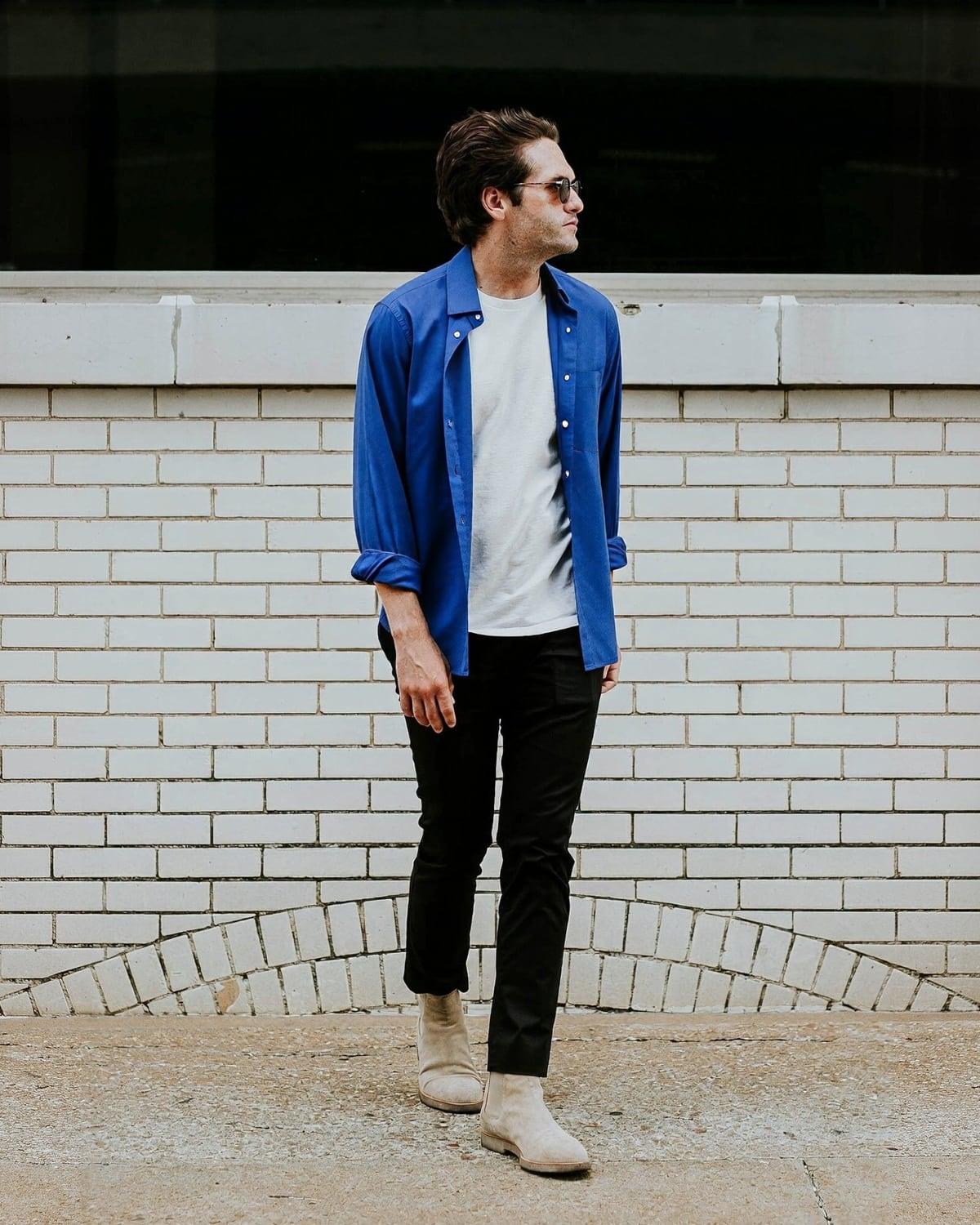
Real preview · still unresolved
03
The finding
Where the photo clearly answers a requirement, you see which one. Where it can't — feet out of frame, colour in dim light, a vague dress code — WearCheck asks one specific question instead of guessing.
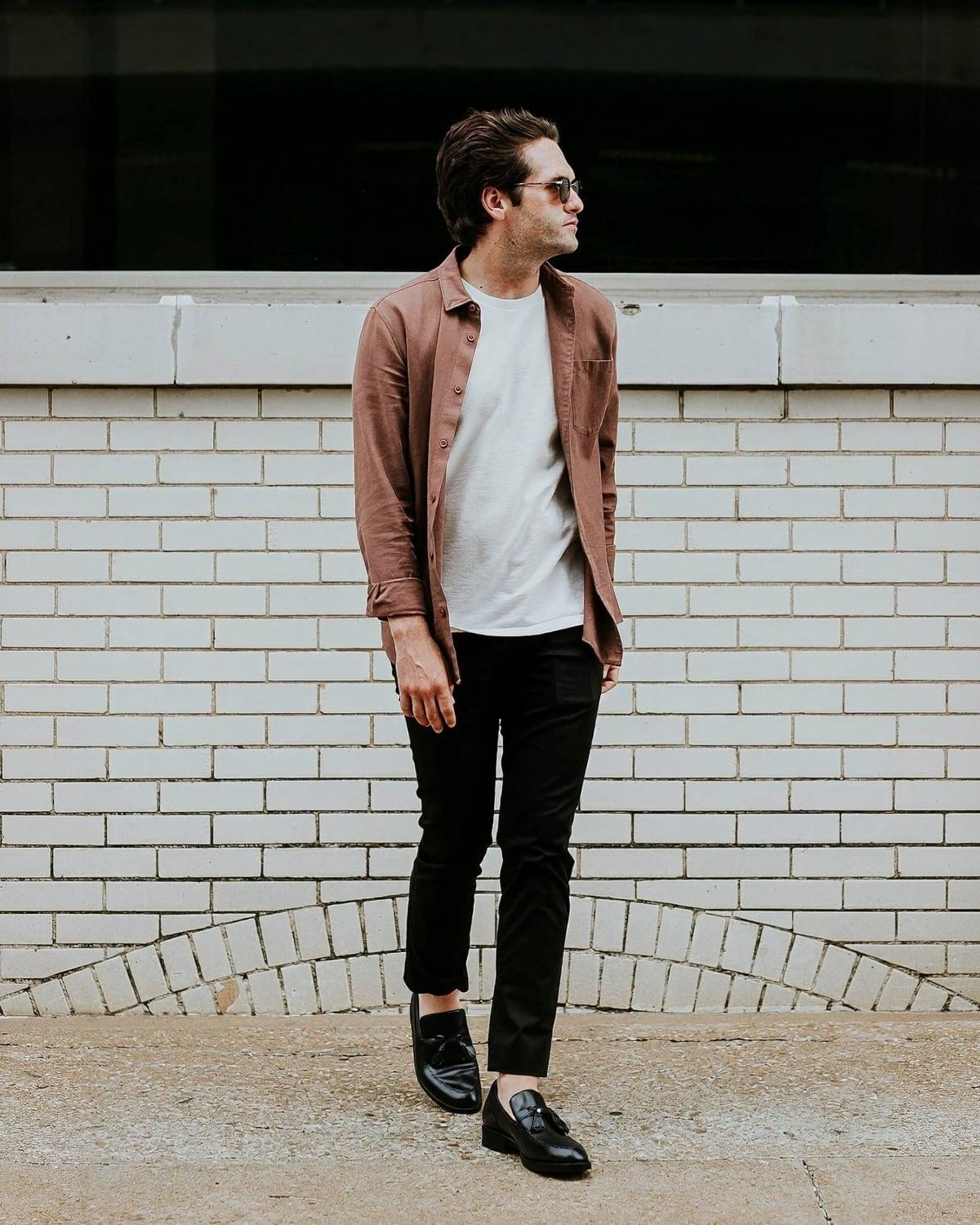
Real YouCam Shoes V3 result
See the change before deciding.
Style guidance — not organiser approval or a guarantee of fit.
04
The decision
If nothing conflicts, keeping your outfit is the result: no render, nothing to buy. If one item is the problem, choose a single alternative and YouCam renders it onto your own photo, so you can compare before you decide.
The invitation panel is illustrative. The outfit and both YouCam outputs are from actual recorded WearCheck tests on 1 November 2026, not a fresh generation. Clothing and shoe previews are separate operations. Source: Brooke Cagle, CC0 source record; reference credits and full comparisons are on the demo page. The clothing preview retains a conflicting white layer. Editorial invitation image: Flaunter / Unsplash (CC0).
Examples
Each example opens a new private check with the event requirements filled in for you — they’re example details, not a real invitation. You add a photo of your outfit; the check then runs as usual.
All example detailsCould lead to a shoe preview
Formal, outdoors, and the host recommends flats or wedges. Heels that sink into grass get flagged with the reason.
Editorial photo · Flaunter / Unsplash (CC0)
Could lead to a garment preview
An explicit colour request. If your outfit looks pale, you confirm the shade before anything is called a conflict.
Editorial photo · Caleb Betts / Unsplash (CC0)
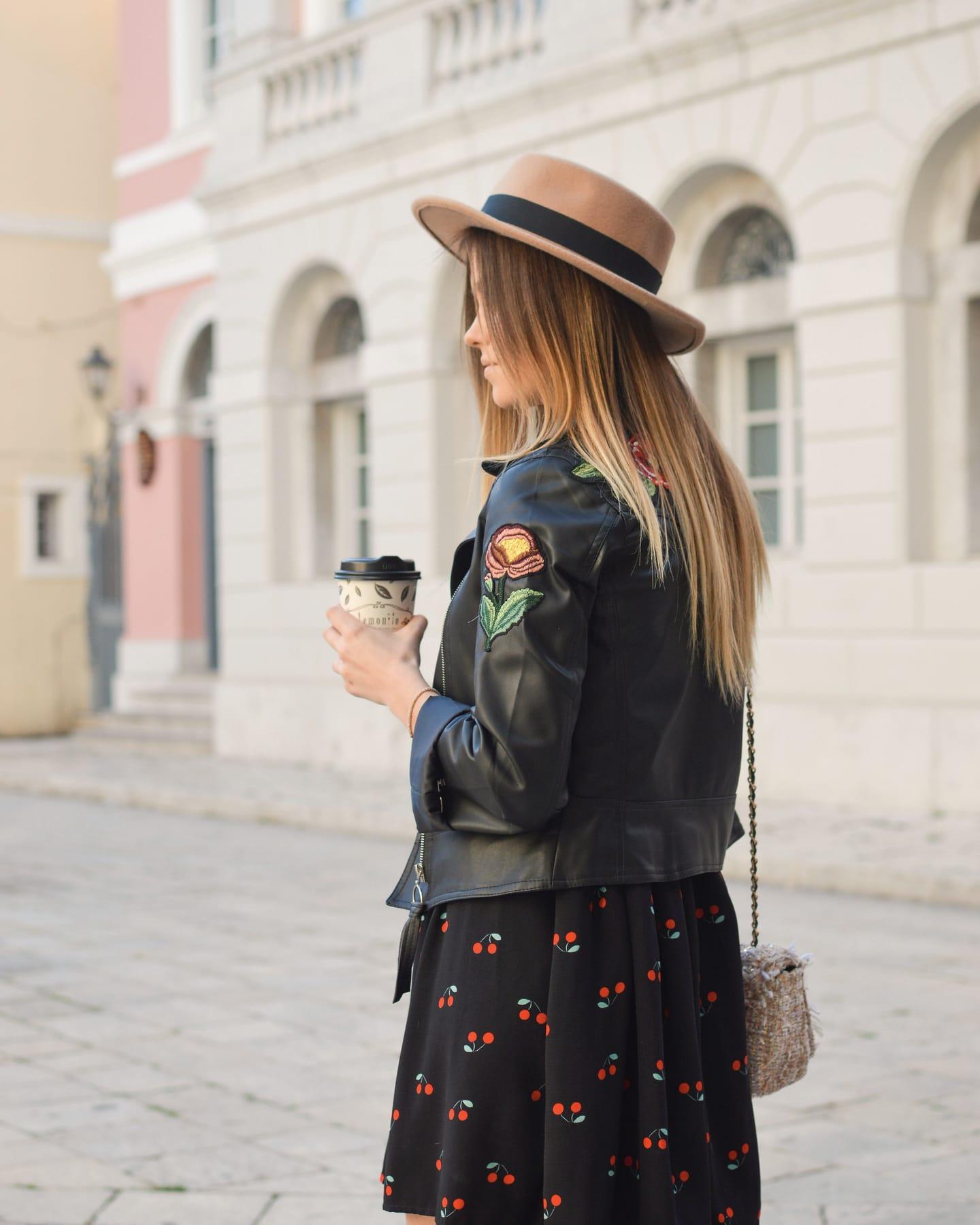
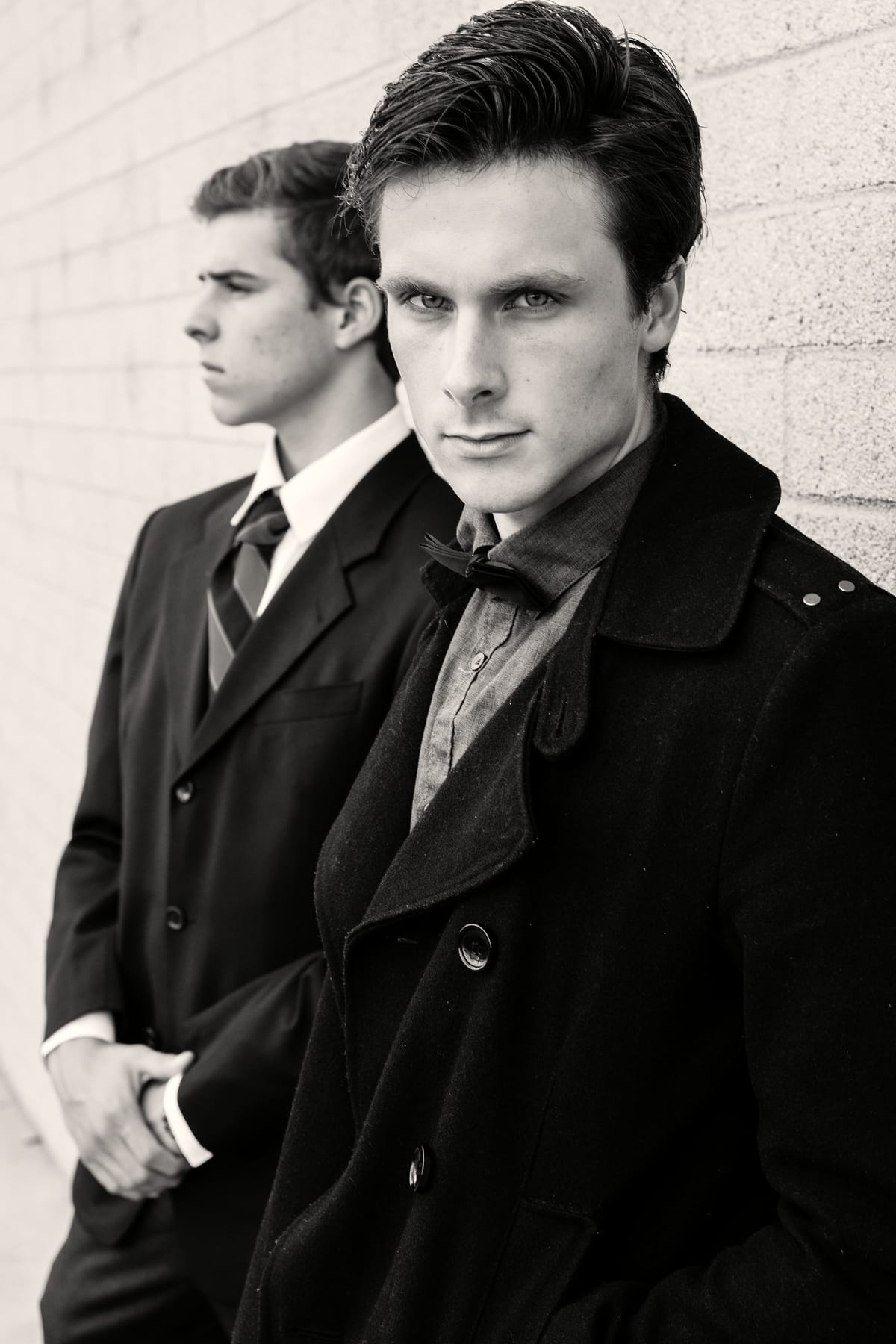
Likely result: keep your outfit
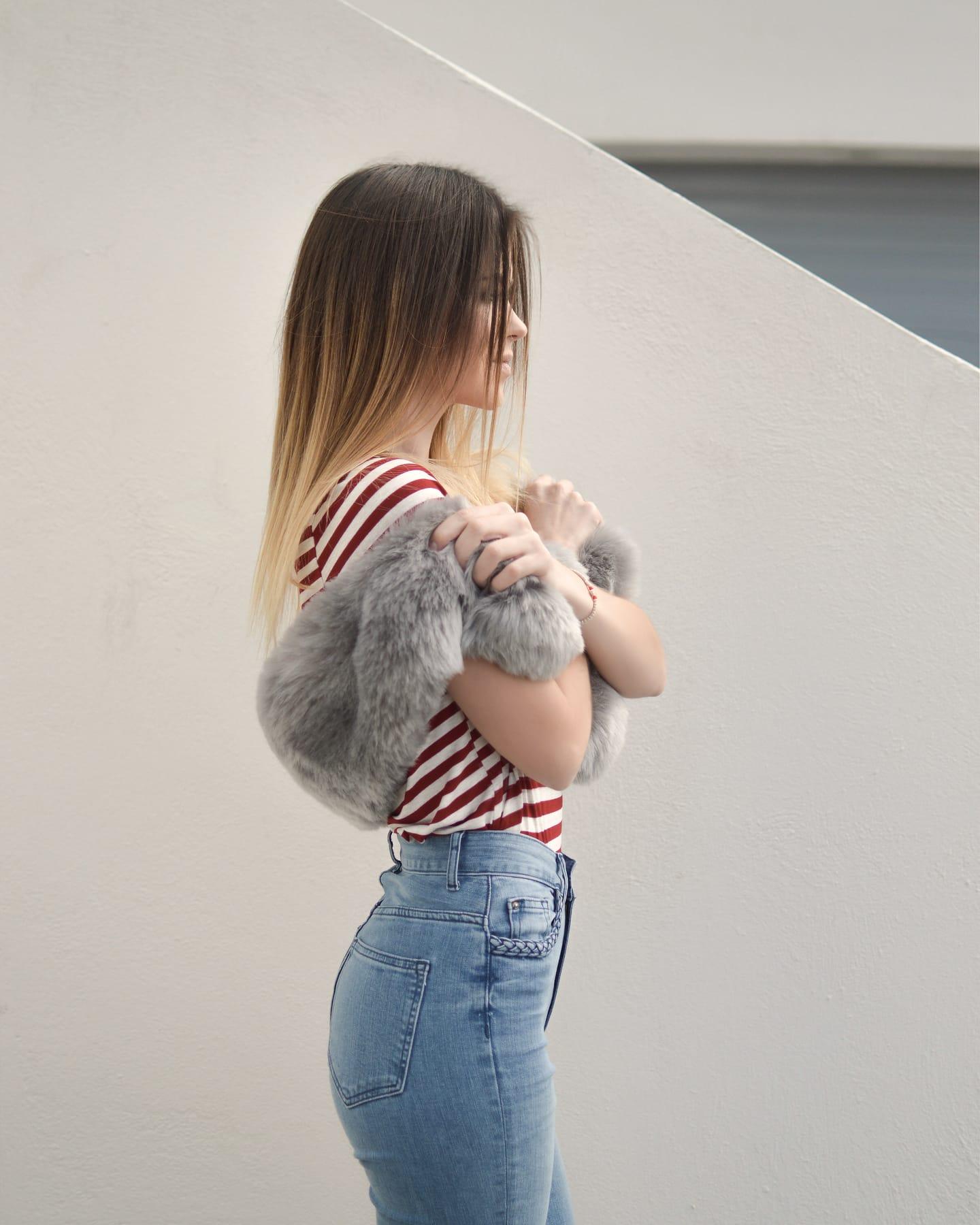
Formal, no trainers, avoid red. When every requirement is checked and nothing conflicts, the check ends there — no preview, nothing to buy.
Editorial photo · Pete Bellis / Unsplash (CC0)
Recorded result
“Flats or wedges recommended” for a garden ceremony: suede ankle boots → black tassel loafers. A saved output from a real YouCam shoe preview, generated through WearCheck on 2026-11-01 in 17 seconds. It is a recording, not a fresh call.
Source photo: Brooke Cagle / Unsplash, CC0 (public-domain dedication) via Wikimedia Commons. The licence permits modification and publication. No model release is on record, and the person shown has not reviewed this AI preview.
More recorded results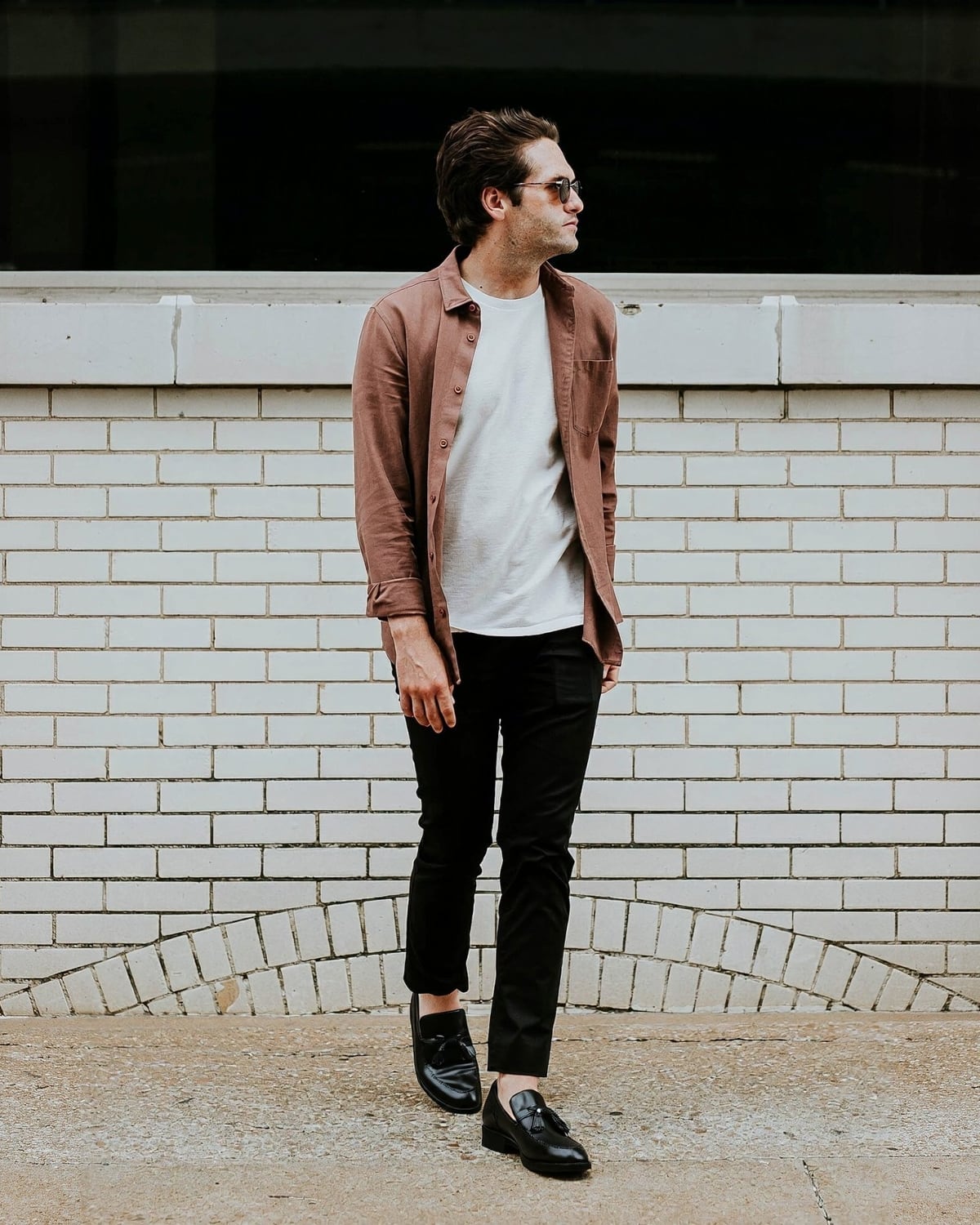 OriginalAI preview
AI-generated by YouCam. It may alter details and isn’t proof of fit, size or comfort.
Editorial photo · Pete Bellis / Unsplash (CC0)
The invitation, one photo and a few minutes. Keep it, or see one change before you decide.